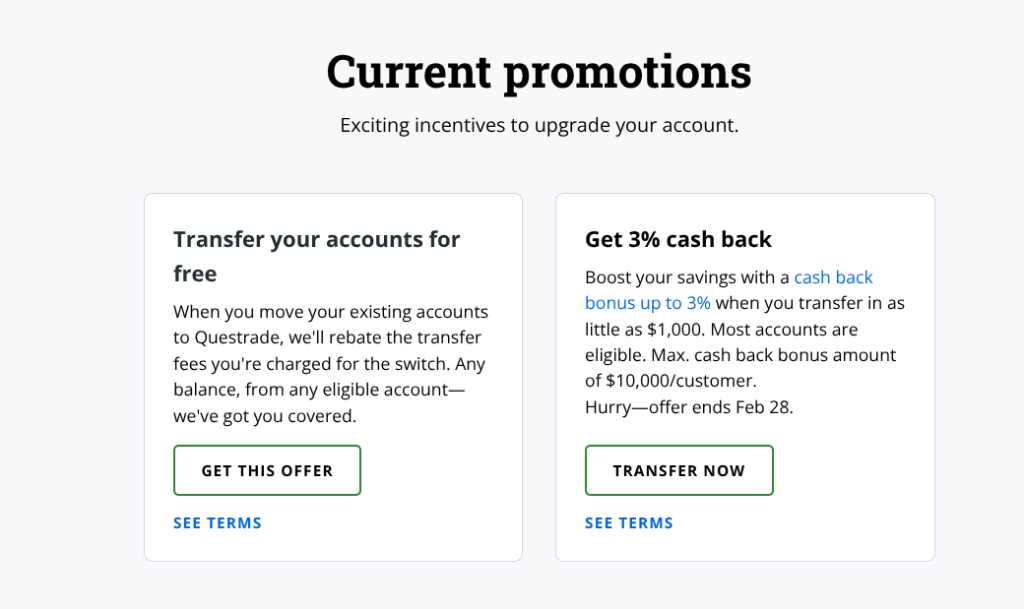
I have succumbed to the offer of free money and am in the process of breaking up with QTrade in favor of Questrade1.
I had no illusions about making the switch; I knew it was going to be a bunch of work to get it done. But as a retiree with no other sources of income, I figured I could spare the time2.
Switching DIY brokers, on the face of it, isn’t terribly complicated:
- Create a login on the new provider
- Open appropriate accounts on the new provider
- Fill out transfer forms to move accounts with the former provider to the new provider
- Set up ways and means of moving money in/out of your new provider
- For RRIFs and TFSAs, make sure the successor/beneficiary information is accurate3.
- Wait for step 3 to complete
- Resume investing and/or decumulating
Here are the things I needed to complete each of the above tasks as I went through the process of opening ten (yes, 10!) accounts4 on Questrade.
Step 1: Creating the login(s)
You’ll want a unique and strong password to do that, and using a password keeper of some kind is the best way to do that. Most providers also offer (or require) two factor authentication, and they usually require a cell phone number 5that they can text. Do set that up at the same time, this stuff is important to protect as best as you can.
If your spouse is joining in on the fun, you’ll need a second login for that.
Step 2: Opening the accounts
There will be some series of provider-dependent steps you will need to go through to identify what kind of account you want, and who will own it. And in order to do that, you’re going to need to have a full understanding of what kind of accounts are at your old provider — what vehicle (e.g. RRIF, RRSP, TFSA) and what owner (me, my spouse, or joint) ?
The owner(s) of a given account are easy enough to determine if you refer to your (monthly, quarterly, annual) statements: the name of the owner will be right up on top. In the case of a joint account6, both of your names will be visible. I’m not aware of any way to change the ownership of an account in the process of a transfer.
This step will be rather tedious. Lots of repetitive form filling, and depending on the sophistication of your provider (and, I think, your province of residence matters), you may have to print (!) and sign — with a pen — documents. In my case, the amount of printing was minimal at this step because Questrade makes good use of DocuSign. But other providers may make you print/sign/take pictures/upload7 instead.
Step 3: Fill out transfer forms
There is usually some delay — a day or two — between step 2 and step 3 since there’s usually some sort of back-office approval process involved8. This will give you the time to make a list of all the account numbers associated with the existing accounts and their rough market value. You’ll need those for the forms.
For me, this step involved a lot of download/print/sign/take pictures/upload9. So make sure you have a working printer, sufficient paper, a way to get forms back to your computer, and patience.
You will have to make an important choice at this step: whether to move the funds as cash, or whether to move them in-kind. “Cash” means you’re authorizing the receiving institution to sell your stuff at your old provider before moving it10. “In-kind” means you’re wanting to keep exactly what’s in the old account already. You can also choose to do a partial transfer at this step, but that’s not something applicable to me.
I chose in-kind since I hate being in a cash position for any period of time. But if you hold GICs or mutual funds (I do not), you should really check to make sure you are able to move those in-kind; many providers have restrictions on that sort of thing.
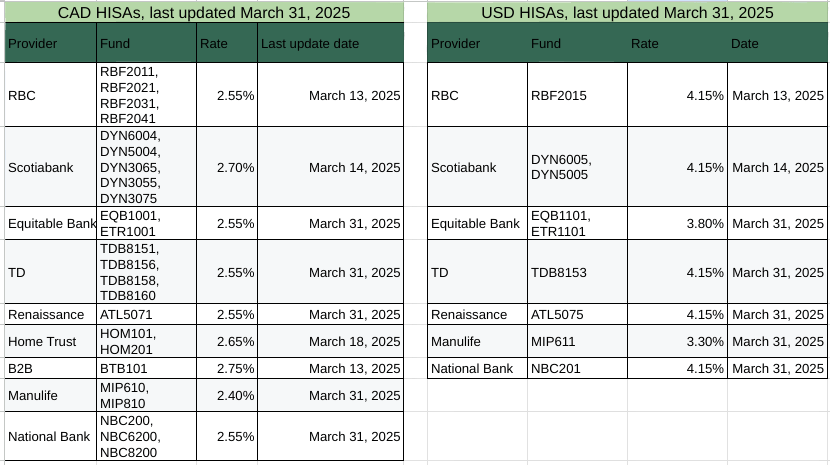
After the fact, I discovered that Questrade does not support HISA accounts. I am hoping that this does not create unintended consequences or delays.
Step 4: Set up ways and means to move money in/out of your accounts
Different providers do this differently. In my experience, most support online bill pay to get money into the accounts (like, for example, to make a TFSA or RRSP contribution), and EFT to get money out (like, for example, a RRIF payment, something rather important to me).
To set up an EFT transfer, you’ll need your banking details (institution number, transit number, account number) and a void cheque. Most banks have a way to do this directly online, no need for an actual physical cheque, if anyone still uses those.
An increasing number of providers11 seem to support direct credential connection between their platform and your banking platform using a third party like Plaid. I freely admit this sort of thing gives me serious heebie-jeebies, and will default to using upload of void cheques whenever possible.
Step 5: Make sure successors and beneficiaries are named for RRIF/RRSP/TFSA accounts
This will make the life of your heirs much easier and deny the government some of the $$$ associated with estate administration fees since properly documented successors and beneficiaries are NOT considered part of the estate. Read all about it in my previous post.
Step 6: Wait
The claim I am getting from Questrade is to allow 20 days for assets to move. This seems totally ridiculous on the face of it. I’ll report back on how long it actually takes. 1-2 weeks is more typical in my limited experience.
While waiting, I’ll complete the forms to make sure I have trading authority over my spouse’s accounts. This should allow me to see all the accounts she owns from my login. This is handy, since I’m the one who does most of the mechanics of making this whole “getting paid in retirement” thing work.
Step 7: Resume investing/decumulating
After making sure everything moved from your old provider to your new provider, as expected, of course.
You’ll probably want to ask your new provider to refund you any transfer-out fees charged by the old provider at this step.
Given Questrade doesn’t support HISAs, I’ll have to find an ETF alternative, which, thankfully, are plentiful. Other than that, I’m not anticipating big changes in the portfolio or the approach.
At this point, I’ll also have to (probably) close out the QTrade accounts and figure out how I’ll get my tax slips from them next year.
All this probably took 8 hours over the course of a few days. So not a trivial amount of time, but the promotional bonus will make it worthwhile12.




 The Money Engineer